Resolve support tickets
with screen recordings
Request screen recordings from your Bolt apps. Request console logs, network data, and session data.
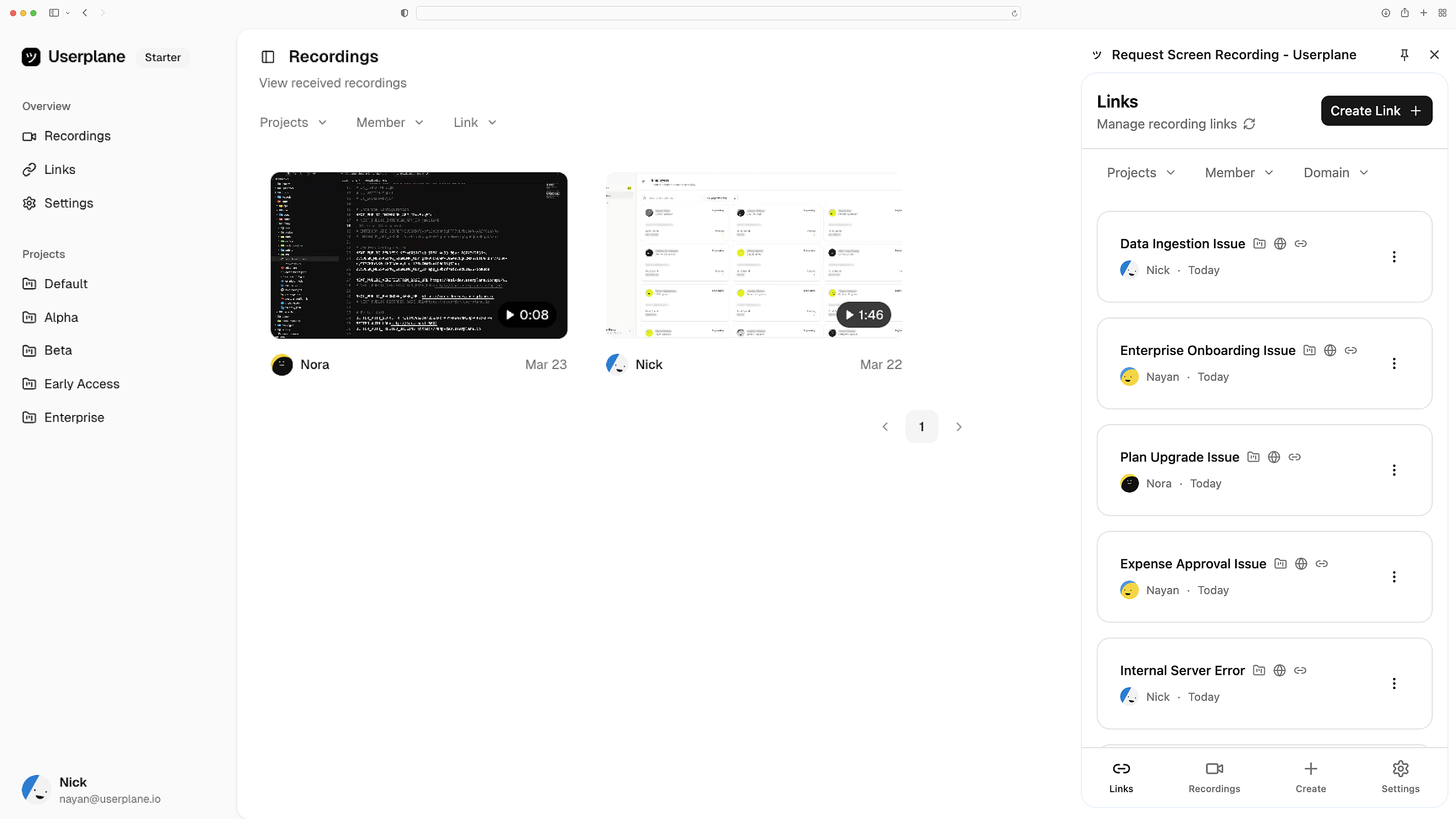
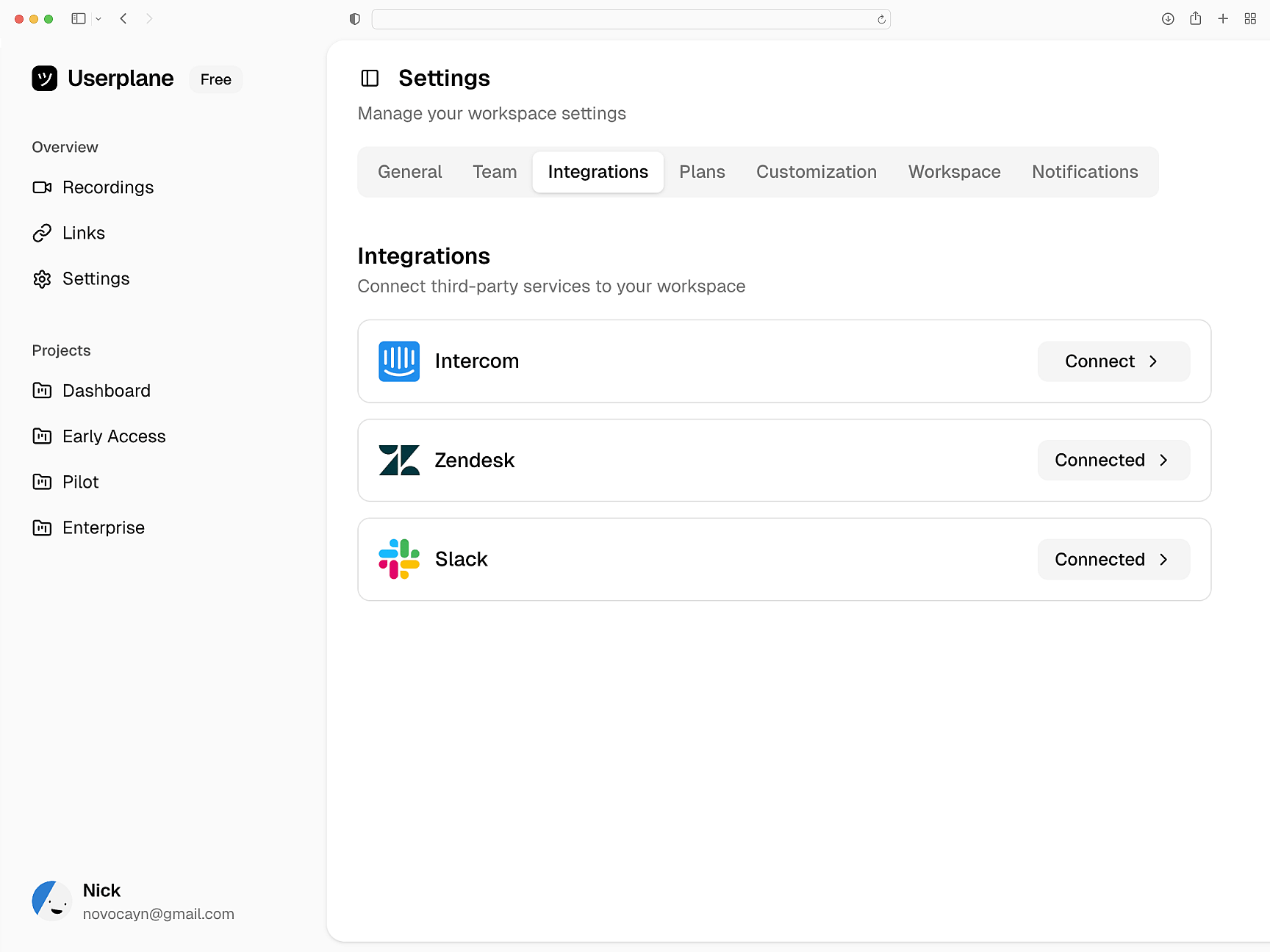
Works with the tools you already use
 Intercom
 Zendesk
 Crisp
Crisp Help Scout
 Slack
Slack Zapier
 Freshdesk
 HubSpot
 Jira
Jira Linear
 Notion
 SalesforceIntercomZendeskCrispHelp ScoutSlackZapierFreshdeskHubSpotJiraLinearNotionSalesforce
Paste a prompt, done
Copy a prompt into Bolt and Userplane is installed. No manual code edits, no package installs or build setup needed.
Prompt-driven setup
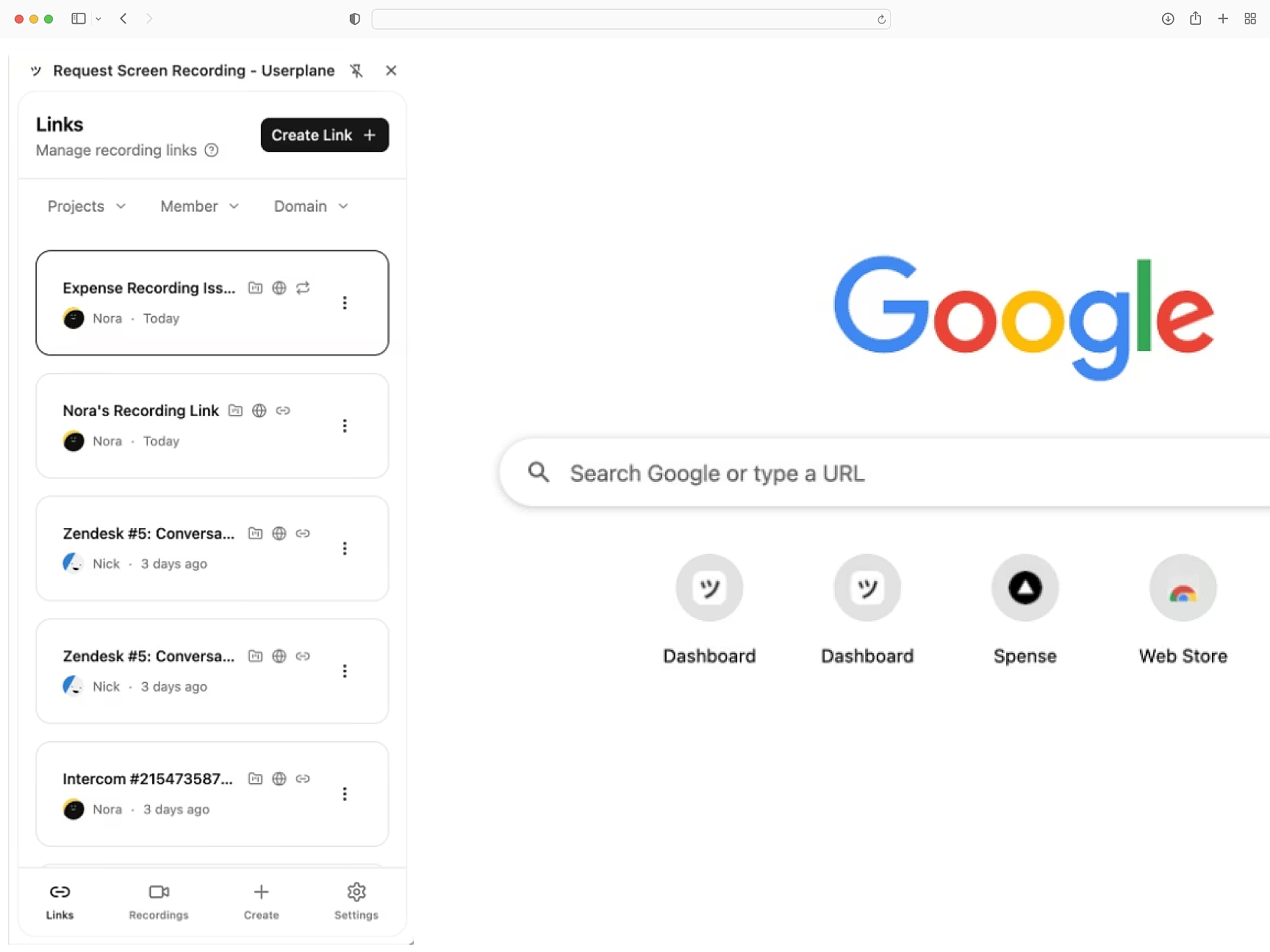
Console and network context
Every recording captures console errors, network requests, browser metadata, and user steps. Debug prompt-built apps with the same depth as hand-written code.
Full diagnostic context
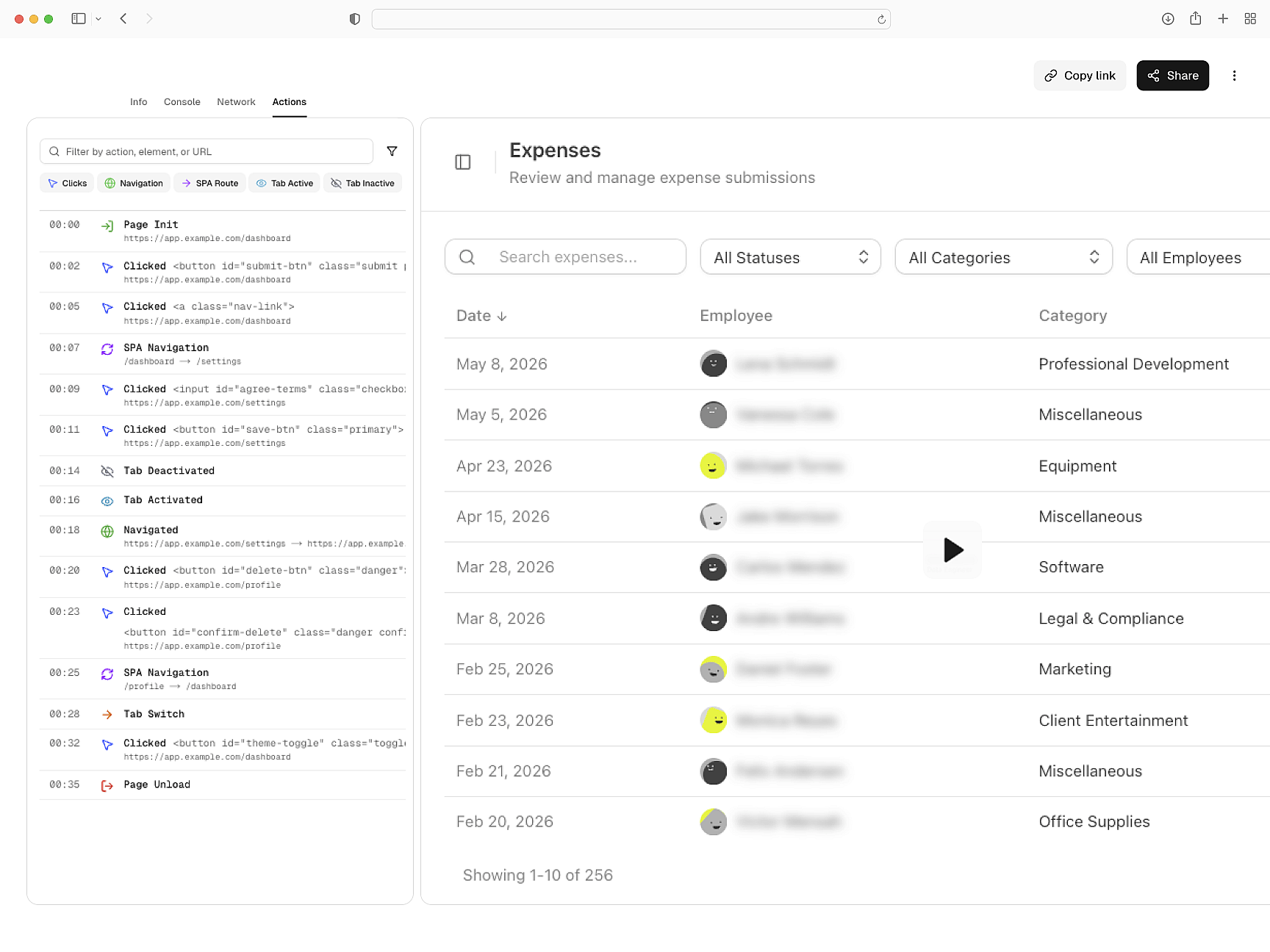
Built-in data redaction
Sensitive fields are masked before recordings leave the browser. Add redaction rules via prompt — no manual configuration needed. GDPR and CCPA compliant.
Private from the start
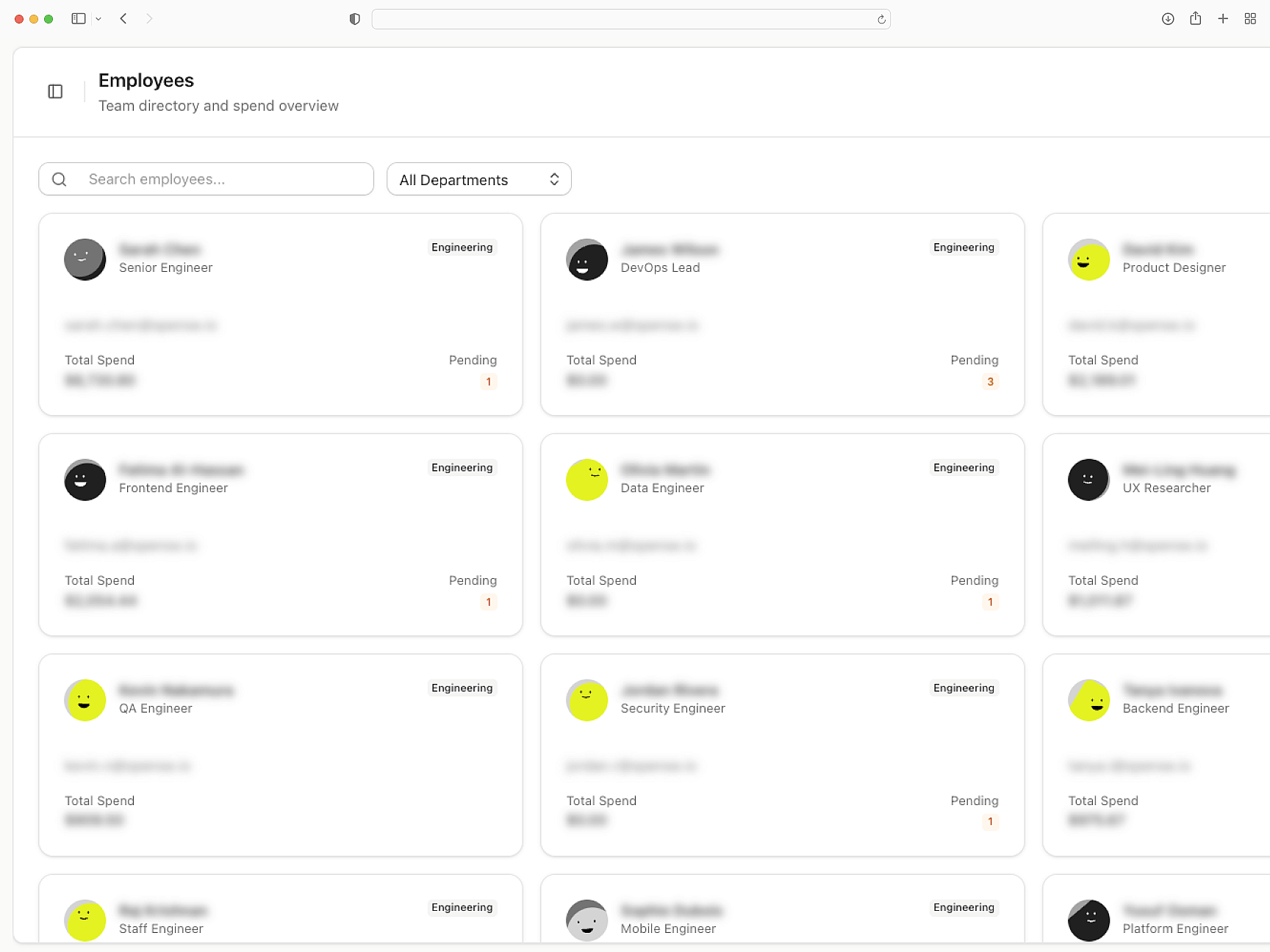
Routes to your support stack
Recordings attach to Intercom, Zendesk, and Slack conversations. API and webhook access for custom routing.
Context where you triage
Bolt
Bolt Setup Guide
Install Userplane in your Bolt.new app. Copy a prompt — no code editing needed.
SDK Overview
Embed script or npm package. Attach metadata, control recordings, and configure privacy.
How Screen Recording Works
How recordings capture console logs, network requests, and session details automatically.
Next.js
Capture console logs, network requests, and session details from your Next.js app. Works with App Router and Server Components.
React
Every React recording ships with console logs, network activity, and session context. Works with Vite, CRA, and custom setups.
Vue
Every Vue recording ships with console logs, network data, and session activity across Vue 3 components and Vue Router transitions.
Capture Bolt app issues with complete recording context
Prompt-built apps deserve production-grade debugging. Every recording ships with console logs, network data, and full session context.